BLOG · 19 Aug 2026

Franchise restaurant POS in India: Multi-Outlet tills that do not share tickets

← All notes

A franchise is not one kitchen with many cooks. It is many locations that must look like the brand, bill under their own FSSAI / GSTIN, and not leak another outlet’s tickets onto the floor. QuickKOT’s Multi-Outlet billing model (Premium and Enterprise) is built for that.

One brand, distinct tills

At signup the manager chooses Multi-Outlet (locked after that). HQ is the manager account. Each franchisee location is an outlet with its own login. That outlet gets its own menu, order-number series, tables, bill header (name, address, phone, FSSAI, GSTIN), reports, and completed orders.

Outlet tickets run independently. There is no “wait for the other kitchen” handoff across franchisees. A store in Pune should never see a live ticket from Jaipur.
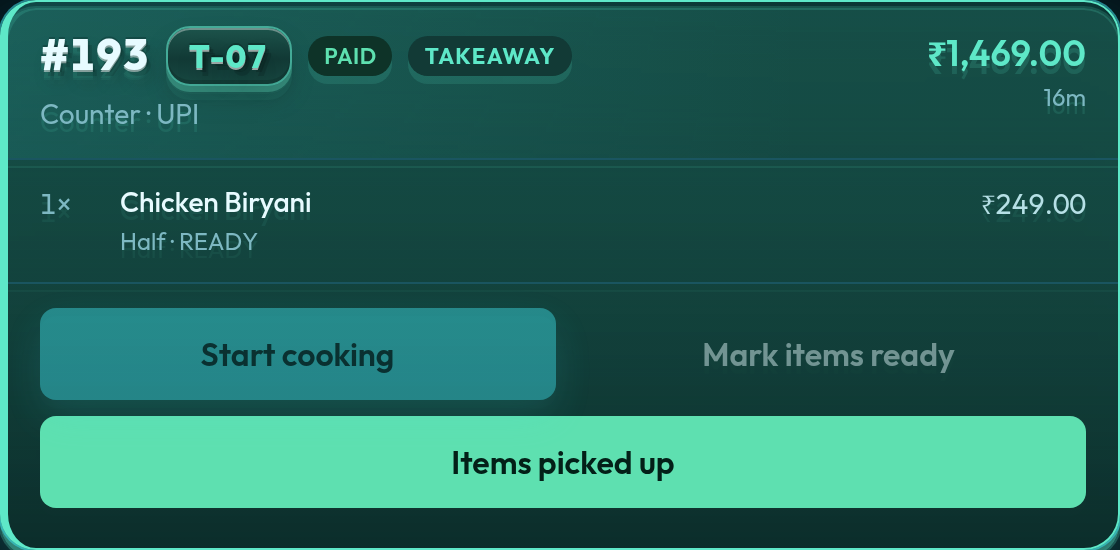
Outlet kitchen ticket in Aqua — that location’s lines only
Each franchisee ticket board is that store only. Kitchen tickets do not cross to another city.

What HQ can and cannot do

The HQ manager catalog, POS, and tickets stay on the main station. Managers can open an outlet on kitchen display view-only — they cannot change that outlet’s tickets from HQ. Reports and Completed default to HQ; a dropdown switches to any outlet. Excel export is for the selected location only.
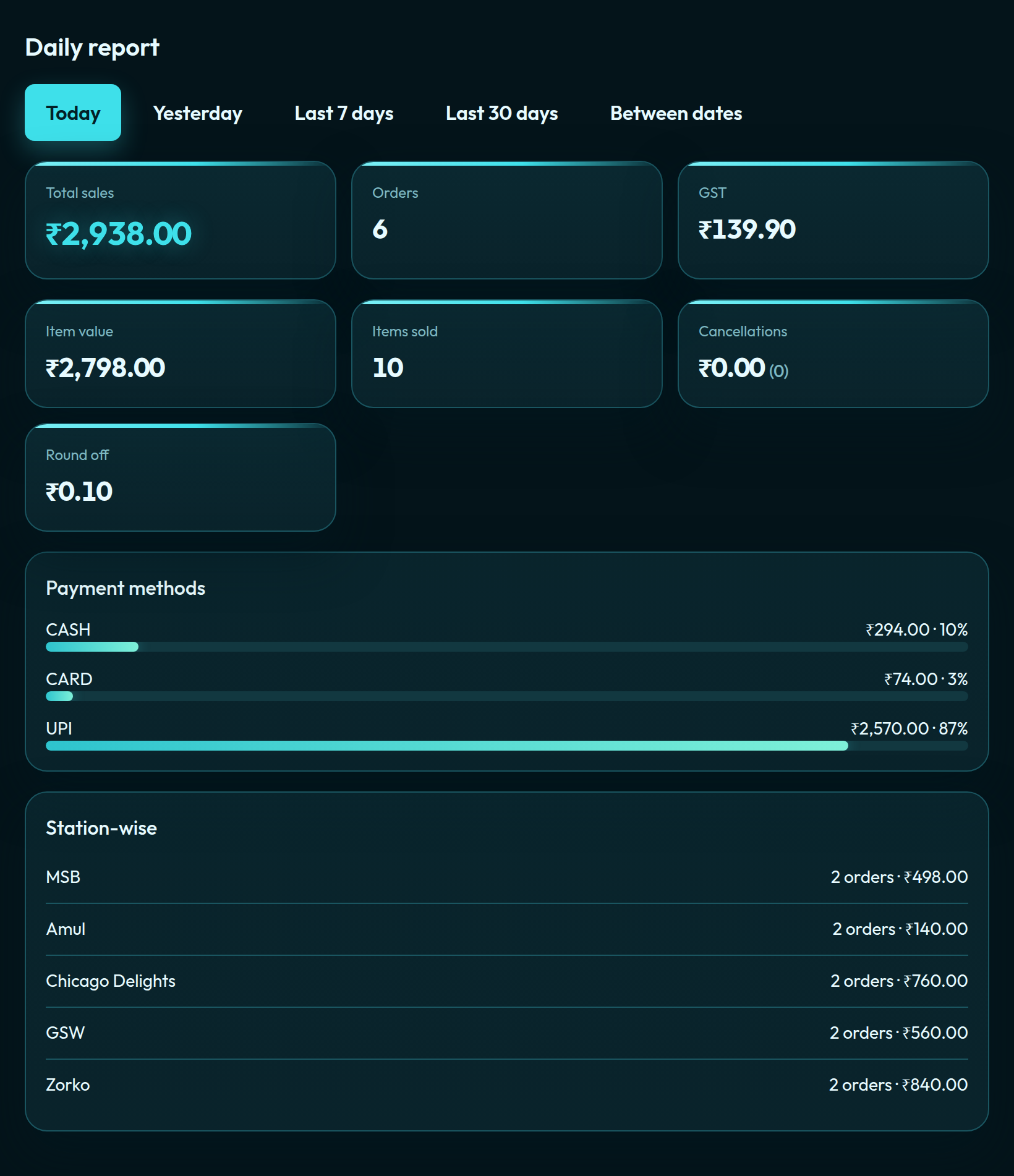
QuickKOT daily report in Aqua for an outlet
Reports stay per location. HQ picks the outlet from a dropdown; the Aqua daily report is sales, GST, and payment mix for that till.

That split matters for franchise contracts: the franchisee operates the till, HQ can audit, and P&L does not get mixed on one bill.

What Multi-Outlet is not

It is not centralised hotel or food-court billing. If you need one guest bill across several kitchens in the same property, that is centralised billing — not Multi-Outlet. See restaurant chains for the same model at chain scale.

Self-serve signup is opening soon. Leave your details at app.quickkot.com/signup, see plans, or write to support@quickkot.com.

More from the floor: Kitchen prep time: measure the clock from ticket to ready · Vendor payout settlement for food courts, canteens, and hotels · Merge and split restaurant tables on POS

Testimonial

From the floor

Q: What was managing Shimla QoH Food Court like before QuickKOT?

A: We run eleven stalls, so things can get pretty busy, especially during rush hours. Before QuickKOT, it felt a bit all over the place because guests had to pay at different desks, and the queues would slow everything down.

Q: What changed after using QuickKOT?

A: The whole process became much simpler. Guests can order biryani from one kitchen and pizza from another, but it still comes together as one bill. That made ordering easier for customers and handling orders easier for us.

Q: How has the Token Display helped?

A: It has made pickup a lot smoother. People just take a number, watch the screen, and collect their food when it is ready — no more shouting names across the hall.

Q: What about the QR menu?

A: The QR menu has helped too. Guests can scan, build their order, and come to the counter when they are ready, which takes a lot of pressure off the stalls.

Q: Overall, how would you describe the impact?

A: QuickKOT has made the entire food court feel calmer, smoother, and easier to manage. The rush is still there, but now it is much more organized.

Shimla QoH Food Court shimlafoodcourt.com

Open a restaurant in a few minutes.

Google or email signup on app.quickkot.com. Start on Basic, upgrade when the floor needs KDS, reports, or more kitchens.

Create your POS