Friday night. The table ordered dal, a pizza, and two beers. The kitchen is one room. The tax is not.
Prepared food in India is GST, and the restaurant rate is 5%. Alcohol is a different head. It can be VAT, and the percent follows the state: 18% in one, 28% in another. The same table is two taxes.
What two systems cost
A restaurant and bar that cannot put both rates on one till buys a second POS, or keeps a notepad for the drinks. The cashier prints a food bill and a drinks bill, adds them, and charges the guest once. Sometimes the guest pays twice. The waiter is the one who has to explain the two pieces of paper. The manager paid for both systems. The next morning the accountant splits that one collection back into GST and VAT, so each head matches the law.
The pain is shared. The manager paid twice. The cashier made two entries. The waiter carried a confusing bill. The guest had to trust a sum done at the table. The accountant inherited the split.
One bill, each item on its own tax
QuickKOT keeps the taxes the law of that place requires, as the house types them. Settings → Tax holds a default block and any extra named rate. Food stays on the default block: GST at 5%, or CGST and SGST that add to that. Alcohol is an optional rate, named for what the state charges, such as VAT at 18% or VAT at 28%. Assigning that name to an item replaces the default block on that item. The beer is not also charged GST.
On the menu, each item picks its tax. The dal and the pizza stay on Default. The beer and the whisky pick VAT. The guest still has one table, one order, and one bill. Each line is on it. Under the lines, each tax name shows its percent and its amount. The cashier takes one payment and makes one table entry. The waiter puts one bill down, so the guest is not asked to reconcile two tills.
The accountant does not split the night by hand
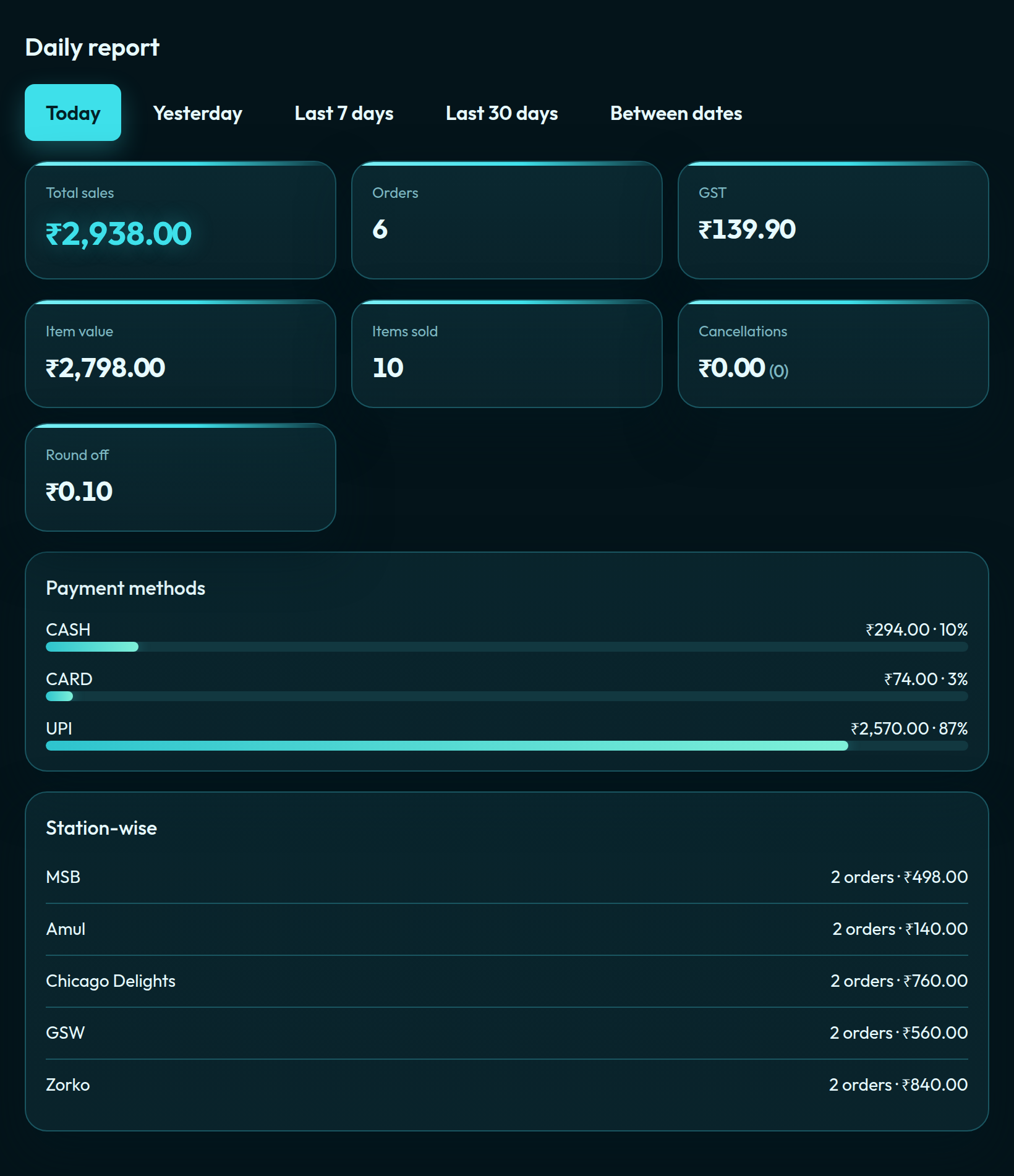
The sales sheet lists every paid order. Beside each station it has a column for each tax name the house saved. GST on the food and VAT on the drinks are already in their heads. The payment does not have to be divided again the next morning.
The names and the percents are what the house saves. QuickKOT does not choose the rate for a state, and it does not file the return. The restaurant remains responsible for the tax that applies where it trades.
Questions from the floor
Can one QuickKOT bill charge GST on food and VAT on alcohol?
Yes. Food stays on the default tax, such as GST at 5%. Alcohol is assigned an optional tax, such as VAT at the percent the state requires. Both sit on the same bill, each with its own tax line. The optional tax replaces the default block on that item. It does not add GST on top of VAT for the same drink.
Who sets the GST and VAT rates?
The house does, under Settings → Tax. QuickKOT stores the names and percents. It does not decide the rate for a state, and it does not file the return. Prepared food is commonly GST at 5%. Alcohol VAT is often 18% or 28%, depending on the state.
Does the waiter still give the guest two bills?
No. The table is one order. The cashier collects once. The waiter puts one bill down, with the food tax and the drinks tax already calculated.
Where does the accountant see GST and VAT apart?
On the bill, each tax name has its own amount. On the sales sheet, each tax name has its own column, so the night’s collection does not have to be split by hand the next morning.
Plans are on pricing. Write to support@quickkot.com.