Home / Menu schedule
QR MENU · KIOSK · DIRECT ORDERS
Menu schedule: only what is on now is for sale
Breakfast, lunch, snacks, dinner, and the bar do not all run at once. Each online category tile has a Monday–Sunday schedule. The QR menu, the kiosk, and Direct Orders follow that clock on their own. Nobody turns tiles off at 11:00. The cashier’s till does not change.
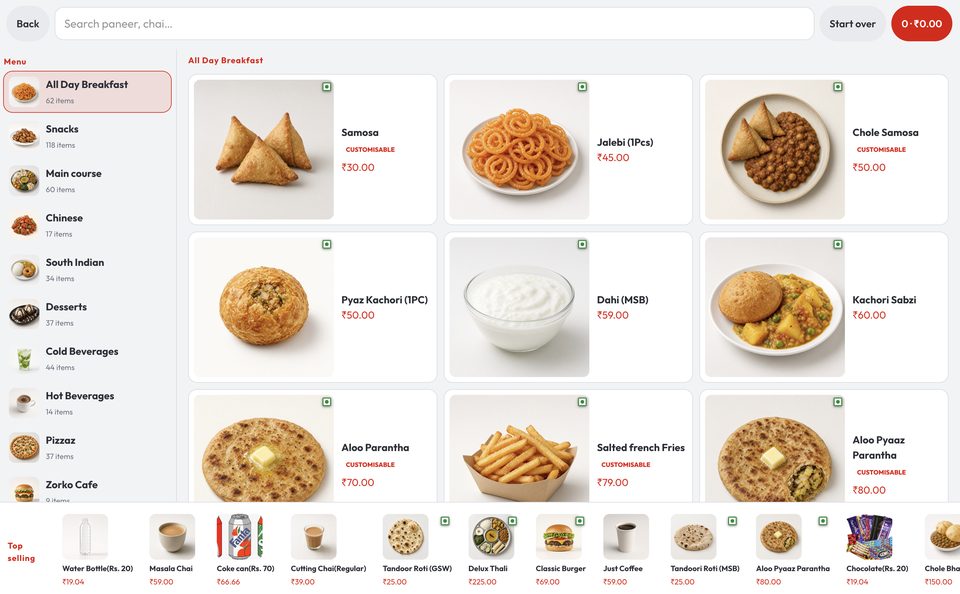
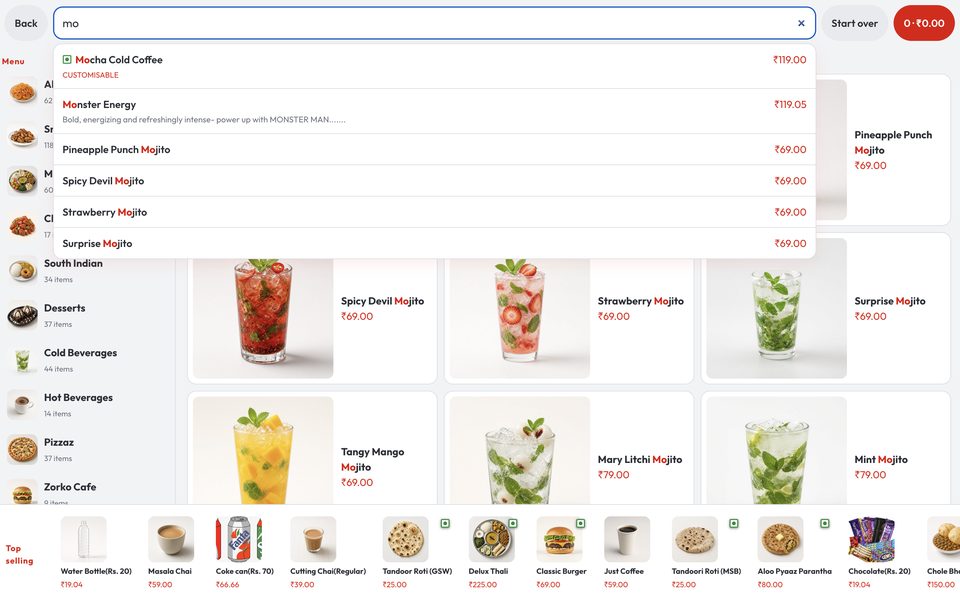
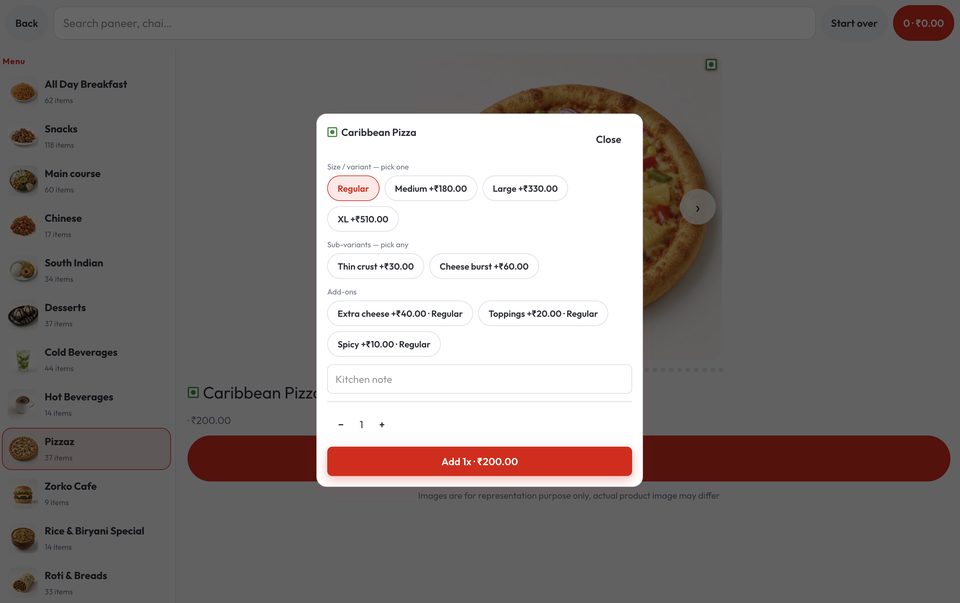
One week, per tile
Open Online menu (QR & kiosk), pick a tile, press Schedule (the clock). The sheet is Monday–Sunday. Each weekday is All, Hours (one or more From–To slots, including overnight), or Off. Copy Mon → weekdays, Sat → Sun, or Mon → all when they match. Overnight (22:00–02:00) belongs to the start day. Two slots on the same day must not overlap. Save or Close.
Leave the week empty, or All day, every day, and the tile shows whenever it is switched on. The clock is the restaurant’s timezone — the same clock as the business day.
Direct Orders, without a morning switch
Direct Orders is delivery on that same QR menu — your own link or web address, not Swiggy or Zomato. The week clock is the menu the customer orders from. At 10:30 they can take Breakfast. At 11:01 that tile is no longer for sale. Lunch is, if its hours cover now. No one taps Off on the tile, and no one publishes a second menu.
A dish that sits on Lunch and Dinner still sells on whichever of those tiles is on. Stock and POS switches still apply. Schedule only answers “is this service on right now?”
In a restaurant
A café or QSR usually wants four guest tiles, not the whole kitchen catalogue: Breakfast until 11:00, Lunch through the afternoon, Snacks from 16:00, Dinner from 19:00. Happy-hour drinks can sit on their own tile for two hours on weekdays and stay Off on Sunday. A dish that belongs on Lunch and Dinner still sells on whichever tile is showing.
Staff at the counter are not blocked. If a regular asks for a dinner thali at 15:00, the till still has it. Schedule is for guests who scan or tap without asking the house.
In a hotel
Breakfast, the all-day diner, and the bar share a stay, not a menu. Put buffet hours on the Breakfast tile so a room QR at 15:00 does not offer idli. Keep the coffee shop open later. Put the bar on an evening window that can run past midnight. On Sunday, add a brunch slot without touching the weekday grid.
On centralised billing, kitchens still only cook their own lines. Schedule only decides which guest tiles can be ordered now. Closed QR tiles still sit below with the next open time. The F&B manager is not turning categories off by hand at 11:00 every day.
How a guest sees it
QR on the table or in the room
Every enabled tile is listed. Tiles that are on now sit on top and open as usual. Closed tiles sit below, not tappable, with Opens 7:00 PM today, or Opens Thu 7:00 AM, 5 Nov when that opening is another day (the date so next week is not read as today).
Self-ordering kiosk
The floor stand uses the same week. Only tiles that are on now sit on the side rail. Search cannot pull a dish from a tile that is off.
Direct Orders
Delivery from your own menu link uses that QR catalogue. The customer only orders what is on now. Breakfast ends on the clock, not because someone edited the live menu.
When nothing is on
If every tile is closed, or a tile has nothing to sell, the guest sees: no items are available on the menu right now. Please try again in a little while.
Also on QuickKOT
Restaurants
One kitchen, KOT, GST bills. Menu hours on the guest QR.
Hotels
Breakfast, diner, and bar as separate tiles on one stay.
Kiosk
The same week. Only tiles that are on now sit on the stand.
Direct Orders
The same QR clock, on your own delivery link. No morning switch.
Tutorial
Create a tile, then set Schedule on that tile.
Menu schedule — questions
Does menu schedule change what the cashier can sell?
No. Hours apply to the QR menu, the self-ordering kiosk, and Direct Orders. The till still lists dishes under kitchen categories on Menu.
Can a restaurant run breakfast, lunch, and dinner on one QR?
Yes. Each online category tile has its own week: Monday to Sunday, All, Off that day, or Hours with one or more From–To slots. On the QR menu Breakfast stays listed after 11:00 as Opens later; it cannot be opened. Lunch, if it is on, sits on top.
How do hotels use menu schedule?
Breakfast, the all-day diner, and the bar are separate tiles. Set buffet hours on Breakfast, keep the coffee shop open later, and put the bar on an evening window that can run past midnight. Guests scanning a table or room QR only order what that property is serving now. The floor story is menu hours for restaurants and hotels.
Does menu schedule apply to Direct Orders?
Yes. Direct Orders is delivery on the same QR menu. The week clock decides what is for sale. Breakfast comes off at 11:00 without anyone tapping Off on the tile. Direct Orders.